
The most common complaint about old systems: the cameras are up, yet a face or a plate cannot be made out. The cause is almost always that the CCTV was installed without a design. Here is how we design a system that actually helps.
Step 1. A task for every zone
For each camera we define what it must do: detect movement on the perimeter, recognise a person or identify them. That sets the pixel density: about 60 pixels per metre is enough for an overview, while identifying a face needs 250 or more. Resolution, lens and distance to the zone follow from this.
Step 2. Choosing cameras
For difficult light, outdoors and corporate sites we choose Axis or Hanwha Vision cameras with wide dynamic range and on-board analytics. At night what matters is IR illumination for the right distance or a sensitive sensor for colour images.
Step 3. Storage and server
Storage depth is calculated from the number of cameras, resolution, frame rate and codec. For example, 30 cameras at 4 MP recording on motion for 30 days need several tens of terabytes. Large systems get a Milestone XProtect platform on a Dell server with a disk array and redundancy.
Step 4. Network and power
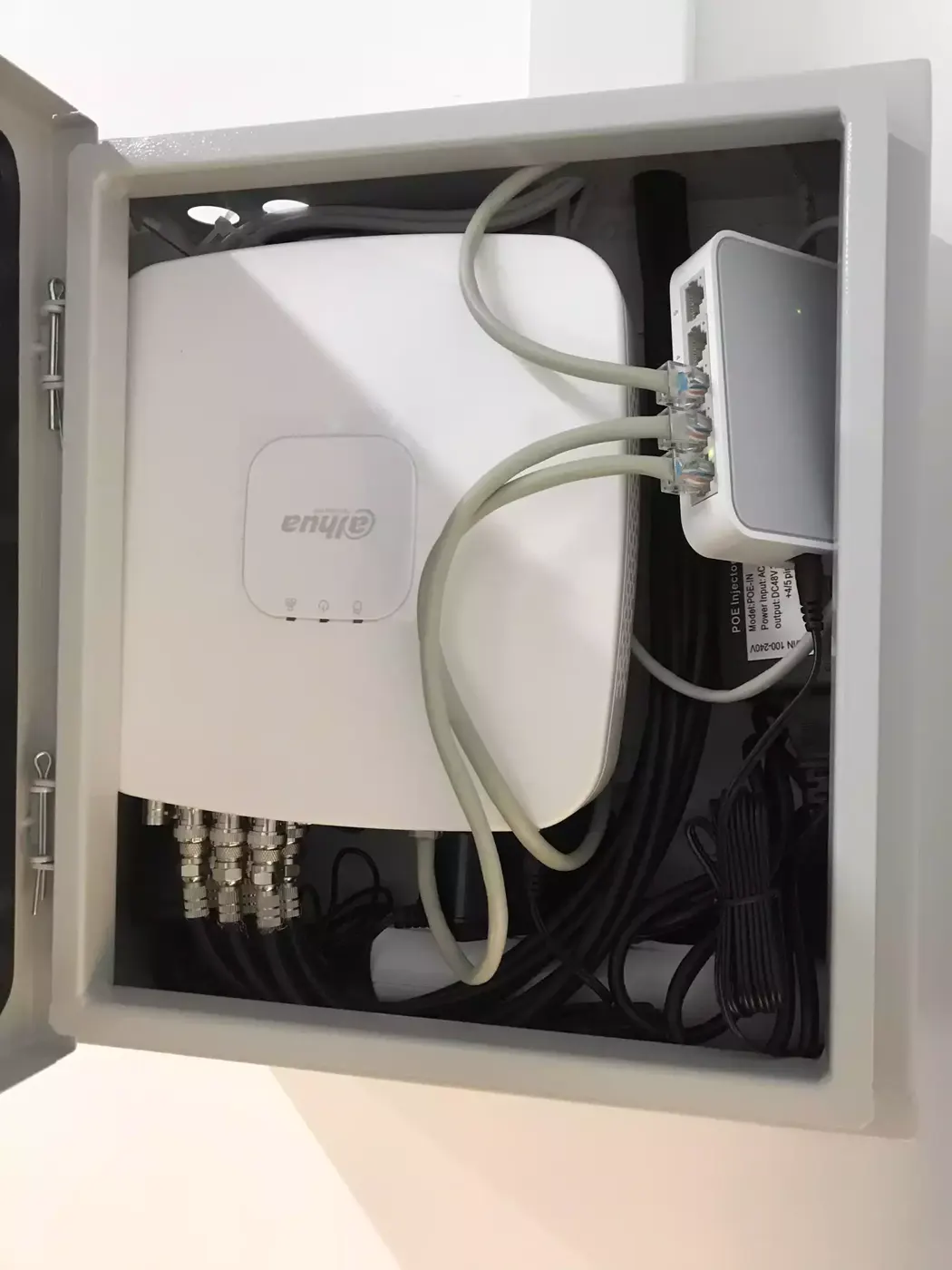
Cameras are powered over the network cable (PoE), so switches need spare power and cable runs must stay under 90 metres without extenders. The camera network is separated from the office one, and the server room and switches are put on backup power.
What the design gives you
- A camera layout with fields of view.
- An equipment specification and storage calculation.
- Network and power diagrams.
- A transparent, itemised estimate.
With such a design the system works as expected and can be expanded without rebuilding.